In May 2026, the MFAA encouraged mortgage brokers to strengthen their cyber resilience, following guidance from ASIC. ASIC’s message to business owners was short: understand your cyber security position, make sure your defences are properly resourced, and regularly review whether your controls are working.
The MFAA then listed practical steps brokers can take. None of them need a large budget. This article explains each one in plain English and how to put it in place in a broking office.
1. Turn on multi-factor authentication everywhere
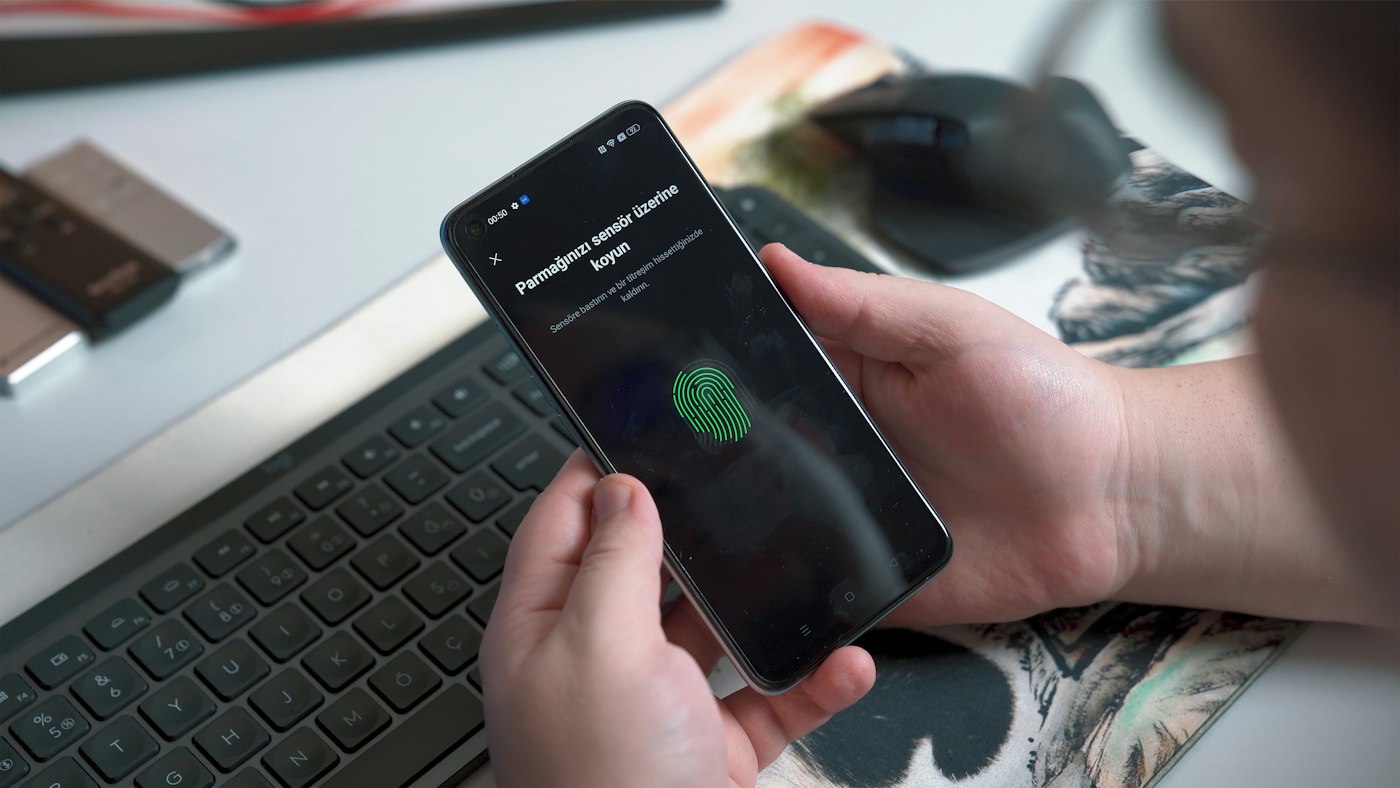
Multi-factor authentication, or MFA, asks for a second check, such as a code or a prompt on your phone, after the password. The MFAA recommends turning it on for all business and personal accounts.
In a broking office, start with email, then lender and aggregator portals, your CRM, banking and anything that holds client documents. Prompts from an authenticator app are a better choice than text message codes where the system allows it.
2. Use a unique password for every platform
Brokers log in to a lot of portals. When one password is reused, a breach at one site gives a scammer a way into the others. The MFAA recommends a unique password for each platform, refreshed regularly.
A password manager such as 1Password makes this practical. It creates and stores strong passwords, fills them in, and lets the office share logins securely without emailing them around.
3. Keep software and devices up to date
Updates fix security holes that attackers already know about. Computers, phones, browsers and apps should update automatically, and older devices that no longer receive security updates should be replaced.
4. Learn to spot phishing

Phishing emails try to get someone to click a link, open an attachment or hand over a password. For brokers, common examples include fake lender notifications, fake document-sharing links and emails asking to change bank details.
Short, regular phishing training and simulated phishing emails help your team recognise them before anyone clicks.
5. Keep work logins off personal devices and browser autofill
The MFAA recommends not storing work logins on personal devices or in browser autofill. A browser that remembers passwords on a home computer means anyone using that computer, or any malware on it, can reach your portals.
The better approach is a password manager protected by MFA, and work devices managed by the business so they can be locked or wiped if lost.
Also worth doing
- Use trusted antivirus or endpoint protection on every device, as the Australian Signals Directorate recommends
- Back up email and files separately from Microsoft 365
- Agree a call-back check before acting on any change to bank details
- Remove access on the day someone leaves
Reviewing your controls
ASIC’s third point, reviewing your controls regularly, is the easiest one to skip. A simple quarterly check works well: who has access to what, whether MFA is still on for every account, whether devices are updating, and when a backup was last restored.
How Digitek helps brokers
Digitek IT puts these controls in place for mortgage, finance and insurance brokers and keeps them running. Joe spent 11 years as an insurance broker, so we can also help you work through the IT questions on your cyber insurance form.
Find out more about our IT support for brokers, or call 02 4504 8643.