Many accounting and bookkeeping practices now have team members overseas, either employed directly or through an outsourcing provider. The work can be excellent. The question is how to give those staff the access they need without client files ending up on computers you do not control.
What the Tax Practitioners Board expects
The TPB’s guidance on outsourcing and offshoring, TPB(PN) 2/2018, sits alongside the Code of Professional Conduct. Its factsheet makes a few points clear:
- Client information must not be shared with a third party without the client’s consent
- Arrangements should include security protocols to prevent unauthorised access, and set out how information is stored, accessed, transferred and archived
- Work done by contractors, in Australia or offshore, still has to be provided competently, and the practice remains responsible for it
- Professional indemnity insurance should be checked to confirm it covers outsourced services
The TPB has also said practitioners should not suggest all their work is done in Australia if that is not the case.
Consent and disclosure are matters for your engagement letters and policies. The security part is where IT comes in.
The problem with simply giving offshore staff a login
The simplest approach is to give an offshore team member a Microsoft 365 login and access to your practice software from their own computer. It works, but it means:
- Client files can be downloaded to a computer you do not manage
- You cannot see whether that computer is updated or has security software
- Copying, printing and saving to USB drives cannot be controlled
- When the person leaves, you cannot be sure the files have gone with their access
A better setup: Cloud PCs
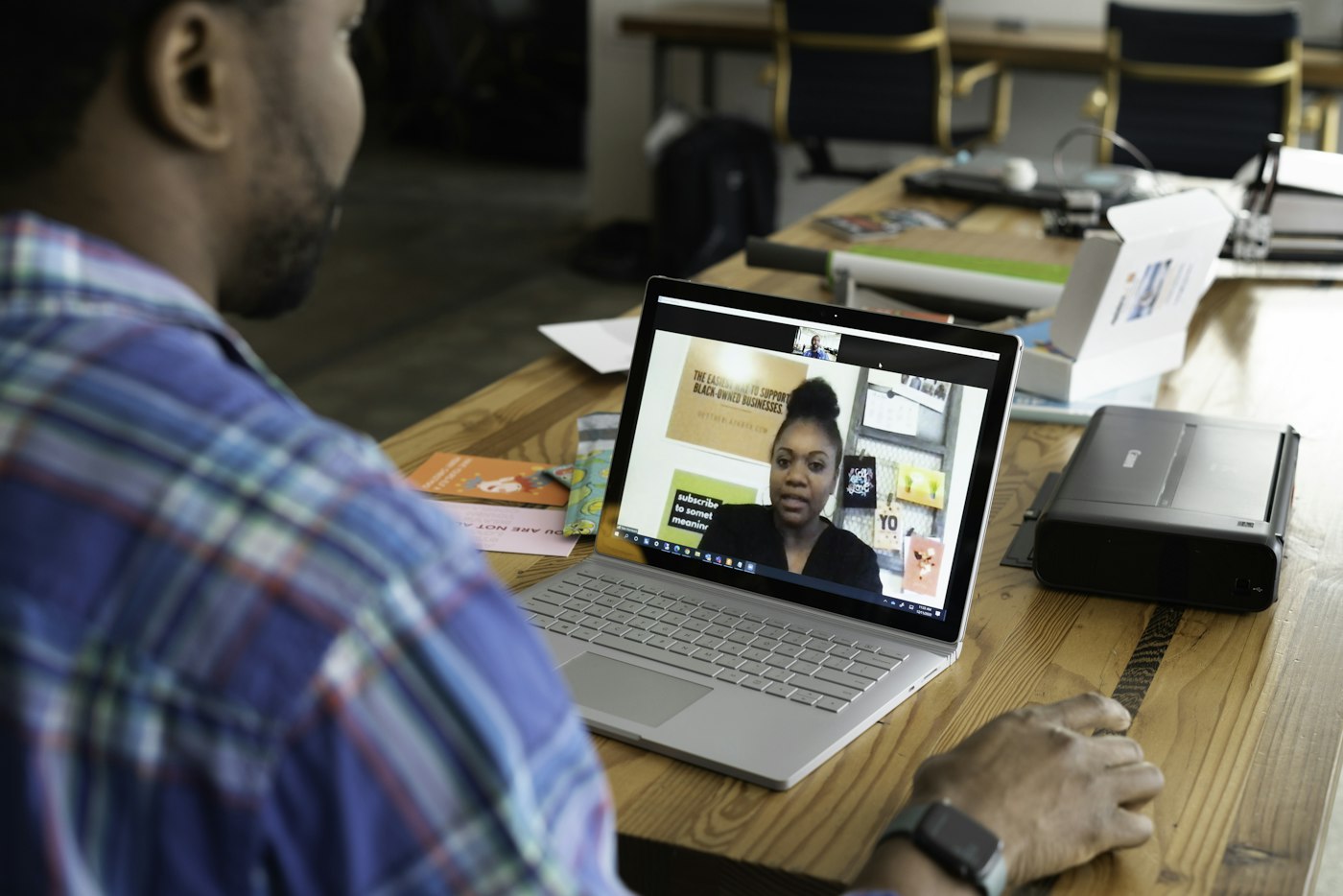
A Cloud PC is a Windows desktop that runs in Microsoft’s data centres instead of on a physical computer. Staff connect to it through a browser or Microsoft’s Windows App, from Windows or Mac, and all their work happens inside it.
For offshore staff, that means:
- Client files stay inside your Microsoft 365 environment, in Australian data centres
- Copy and paste, USB drives and websites can be restricted, so files are hard to take out
- Conditional access controls which devices and locations can sign in
- Antivirus, antimalware and password management are set up on every Cloud PC and kept up to date
- When someone leaves, their access is removed and the Cloud PC licence can be reused for the next person
Other controls that matter
- Each person has their own login with multi-factor authentication, never a shared account
- Access is limited to the clients and folders each person works on
- Access to practice software and ATO online services is reviewed regularly
- Shared passwords live in a password manager, not in a spreadsheet or chat message
A short checklist before offshore staff start

- Client consent and disclosure covered in your engagement letters
- A written arrangement covering security, storage and access
- Professional indemnity insurance confirmed for outsourced work
- A Cloud PC or similarly controlled desktop for each person
- A clear process to remove access on the day someone finishes
How Digitek helps
Digitek IT sets up and supports Cloud PCs for accounting and bookkeeping practices with offshore teams. Our sister business, Digitek Outsourcing, provides virtual assistants who work from these Cloud PCs, and either business can be used on its own.
Find out more about Cloud PCs and our IT support for accountants, or call 02 4504 8643.