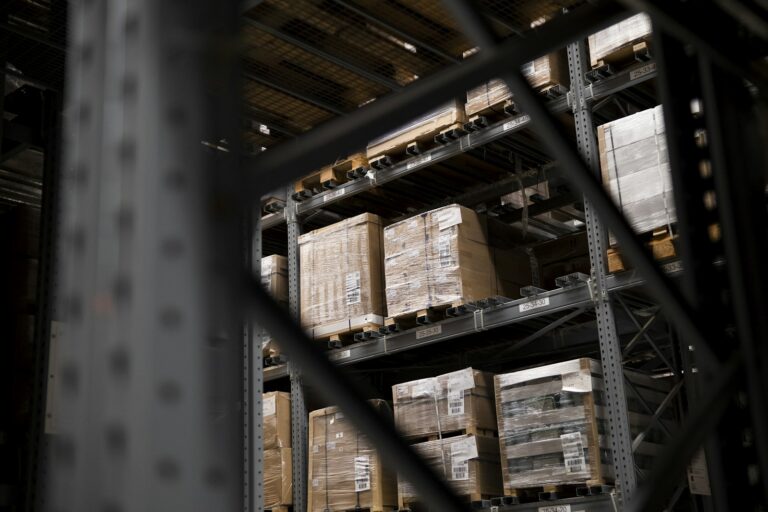
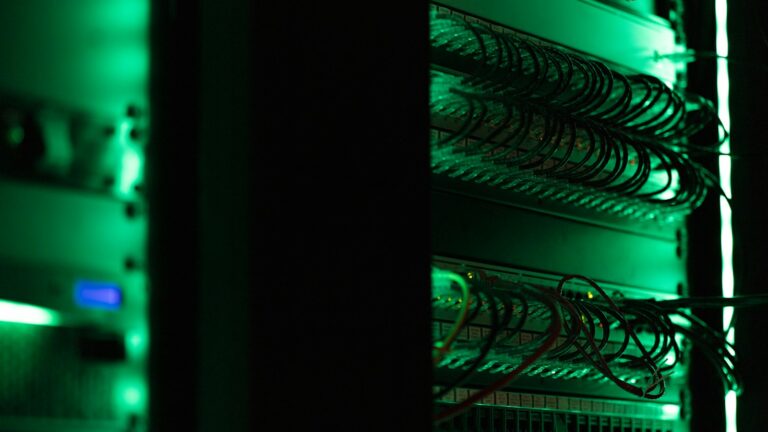
Opening a second site or warehouse is a good sign for the business. It also means the systems that work in one building now need to work in two. Planning the IT early avoids a site that opens on time but cannot print a dispatch note.
Start with the internet connection
Order the internet connection as early as possible, because installation at a new address can take weeks. When you order, think about:
- The speed the site needs for cloud systems, video calls and access to systems at the main site
- A backup connection, such as 4G or 5G, if the site cannot work without the internet
- Where the connection enters the building, so it can reach your network cabinet
Plan the network and Wi-Fi
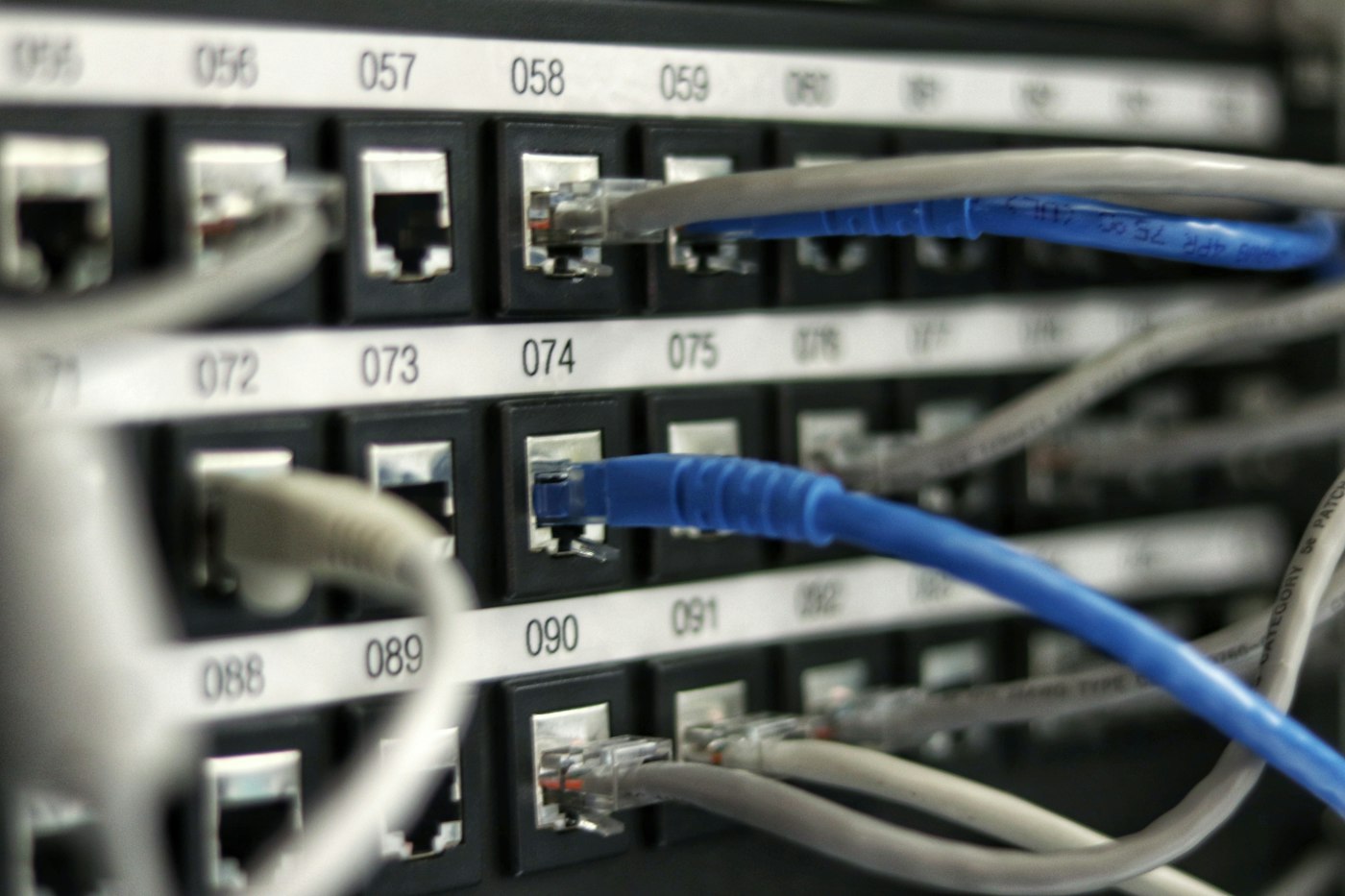
Warehouses are hard places for Wi-Fi. Metal racking, high ceilings and stock that moves around can all block the signal. A site survey before installation shows where access points need to go, so scanners, tablets and laptops stay connected across the floor.
It is also worth planning:
- Cabling for fixed computers, printers and label printers
- A secure, ventilated spot for the network cabinet
- A separate network for guests and visiting drivers
Connect the sites together
Staff at the new site need the same systems as the main site. How that works depends on where your systems live:
- Cloud systems such as Microsoft 365 need a good internet connection and the right accounts
- A server-based ERP or job system at the main site needs a secure connection between the sites, or a move to a hosted server, so both locations can use it reliably
- Shared files are easiest in SharePoint, so both sites work from the same documents
Devices and printers
List every device the site needs, including computers, laptops, scanners, label and dispatch printers, and phones. Set them up the same way as the main site, so staff moving between sites find everything where they expect it and support is simpler.
Accounts and access
Create accounts for new staff before they start, with multi-factor authentication switched on. Give each person access only to the systems and folders they need, and avoid shared logins on floor computers.
Security and backups
The new site needs the same protections as the main one, including security software, automatic updates, email filtering and backups. Anything stored locally at the new site, such as a local server, needs to be included in the backup plan.
Support for the new site
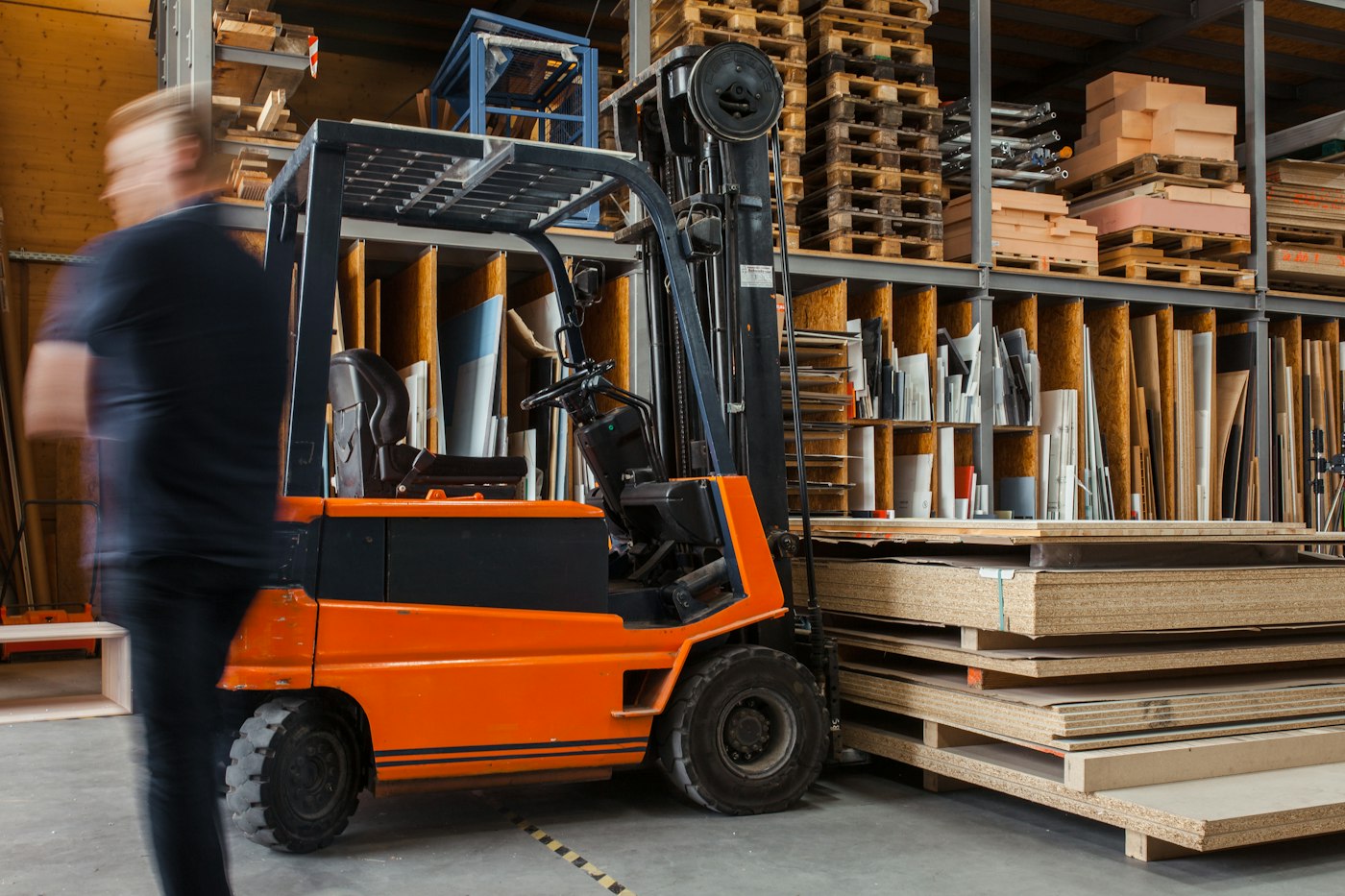
Agree how the new site will be supported before it opens. Most problems can be fixed remotely, but someone needs to be able to get there when hardware fails. Having both sites under one agreement keeps everything set up and managed the same way.
If you want to plan for the day a system stops working at either site, see What to do when your server or ERP system stops production.
A checklist to start early
- Order the internet connection and a backup connection
- Book a Wi-Fi site survey
- Plan cabling and the network cabinet location
- Decide how the site will reach your ERP and shared files
- Order computers, scanners and printers
- Set up accounts and access for new staff
- Confirm backups and security cover the new site
- Agree how on-site support will work
How Digitek helps
Digitek IT looks after multiple sites under the one agreement, including the network and Wi-Fi at each one, so every location is set up and managed the same way.
Find out more about our IT support for manufacturing businesses, or call 02 4504 8643 to talk about your new site.